How to Download Facebook videos
Snapsave is as simple and Free Facebook Downloader whre you can your favorite Facebook videos quickly and easily with our simple tool. You can download by using follow the simple steps below.
Step-1
Open the Facebook app and Tap Share on any video on your feed or timeline, then Copy the Link.
Step-2
Snapsav.cc and Paste the Video Link and choose Download of your desire quality video.Step-by-Step Guide
💻 PC / Mac
📱 iPhone / Android
Follow these steps to copy the video link and paste it into the downloader.
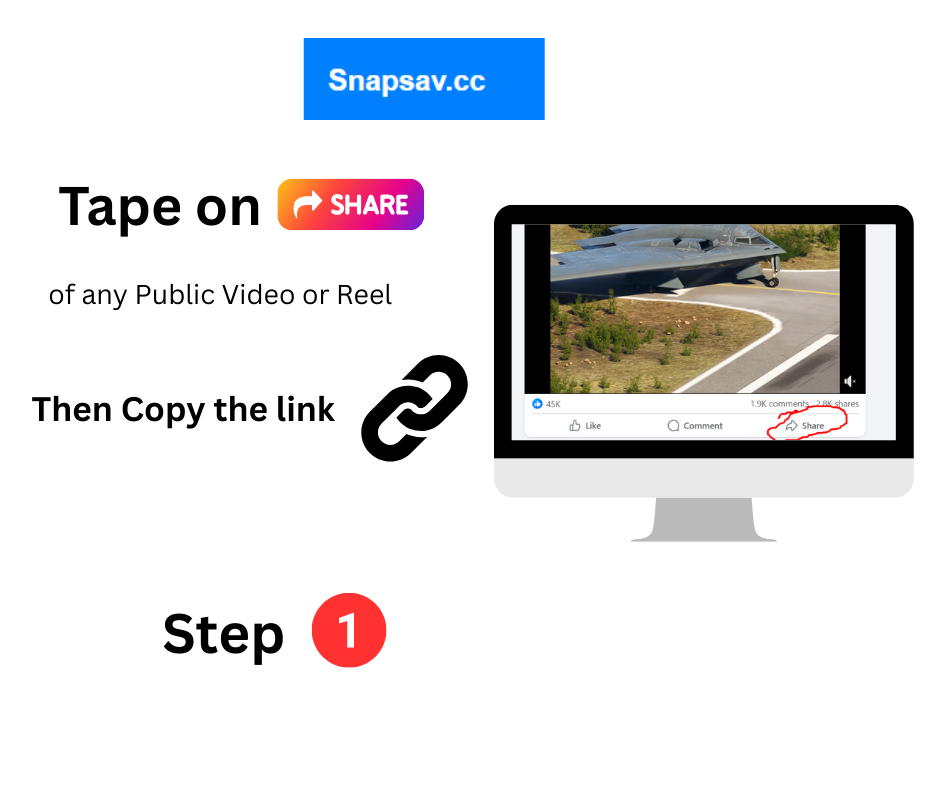
Step 1: Visit Facebook website click on share button of that video
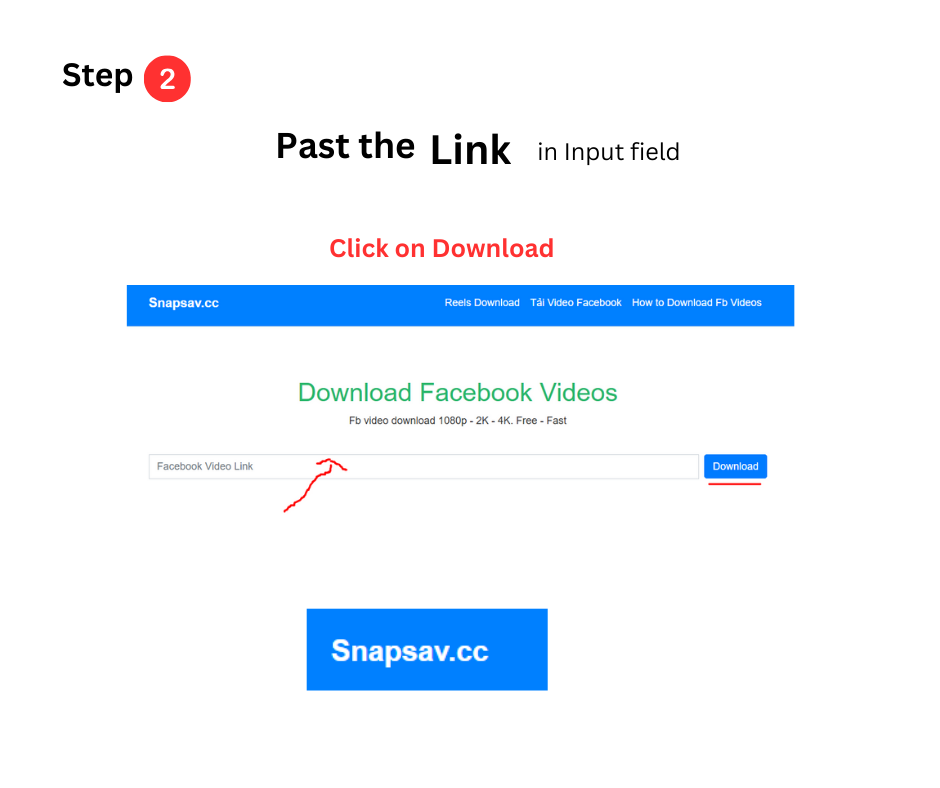
Step 2: Copy the video URL
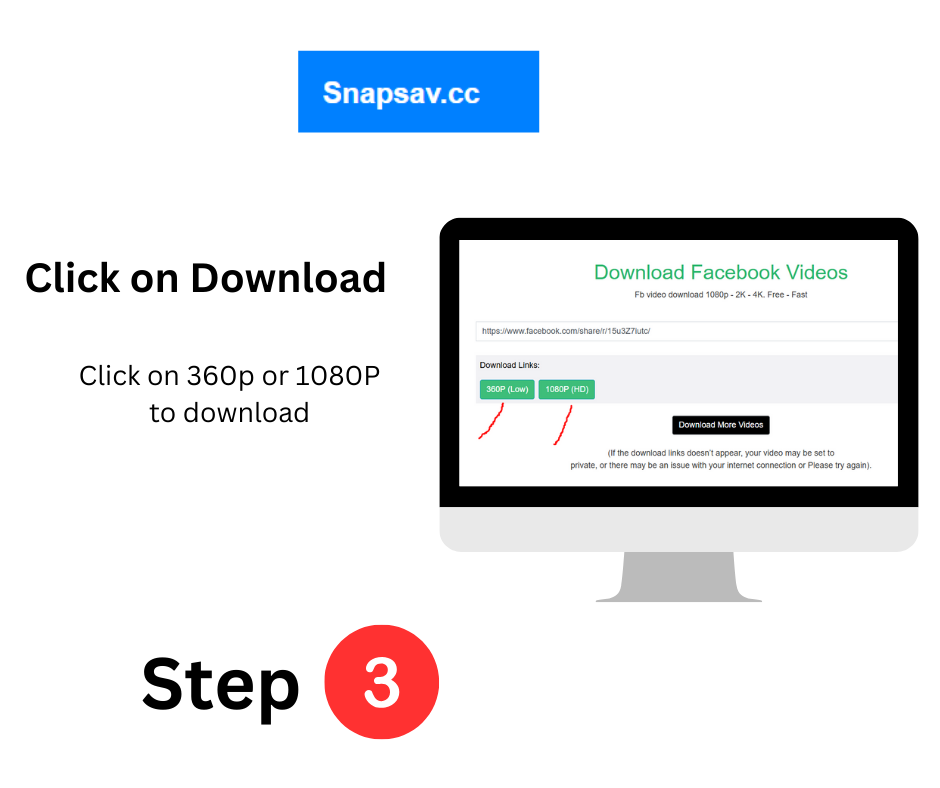
Step 3: Hit download button & choose Quality to Download
Follow these steps if you are using the Facebook app on iOS.
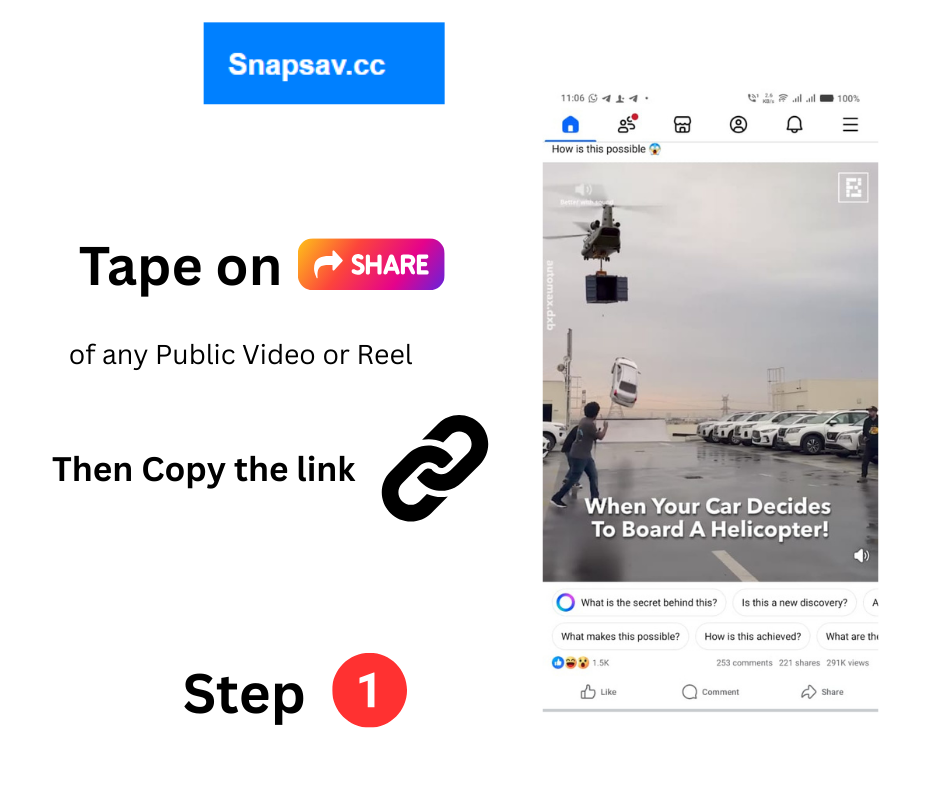
Step 1: Open Facebook app, click on share button of that video
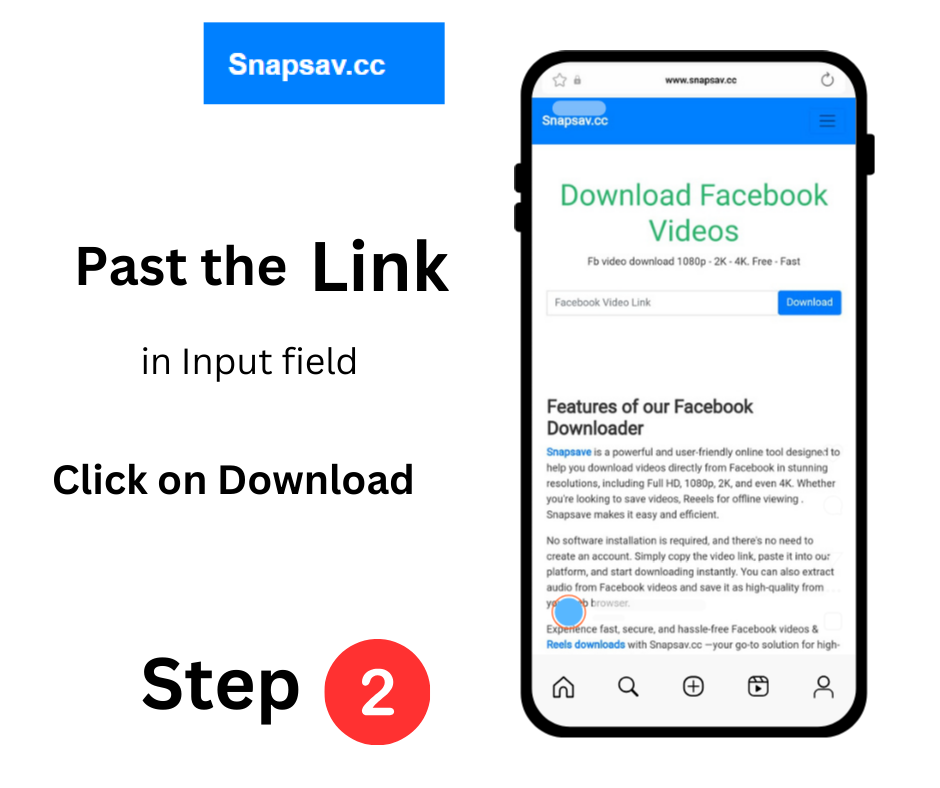
Step 2: Copy the video URL
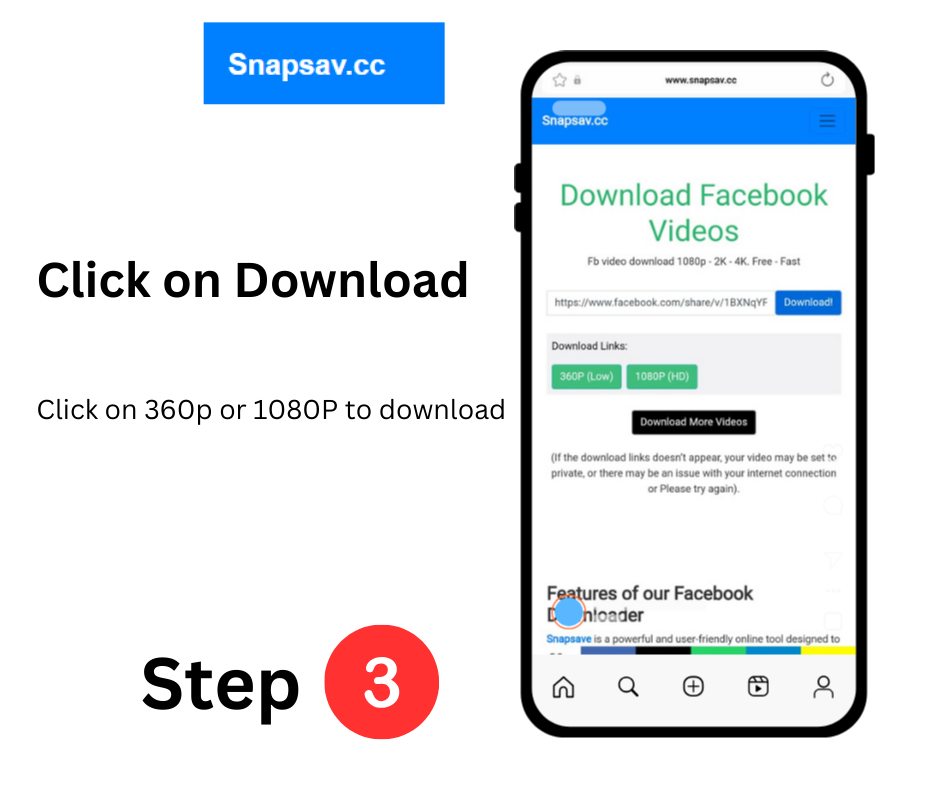
Step 3: Hit download button & choose Quality to Download
Why Use This Tool?
⚡ Fast and easy to use
📱 Works on mobile & desktop
🔒 Secure & private
💾 Multiple quality options